HullkitGet started
How it works

Five steps from a missed DM to a reviewed reply

Hullkit watches every DM, comment, and mention across your social channels, scores what's worth a reply, and drafts the response — you approve it before it ever sends. Here's the flow, step by step.

  1. Step 1
    Connect

    Link a social or messaging account so Hullkit can start watching it. Today that's Telegram, Bluesky, and YouTube. WhatsApp, Instagram, and Threads are already built and waiting on Meta's business verification, so they're not connectable yet — as soon as that approval lands, they'll show up here too.
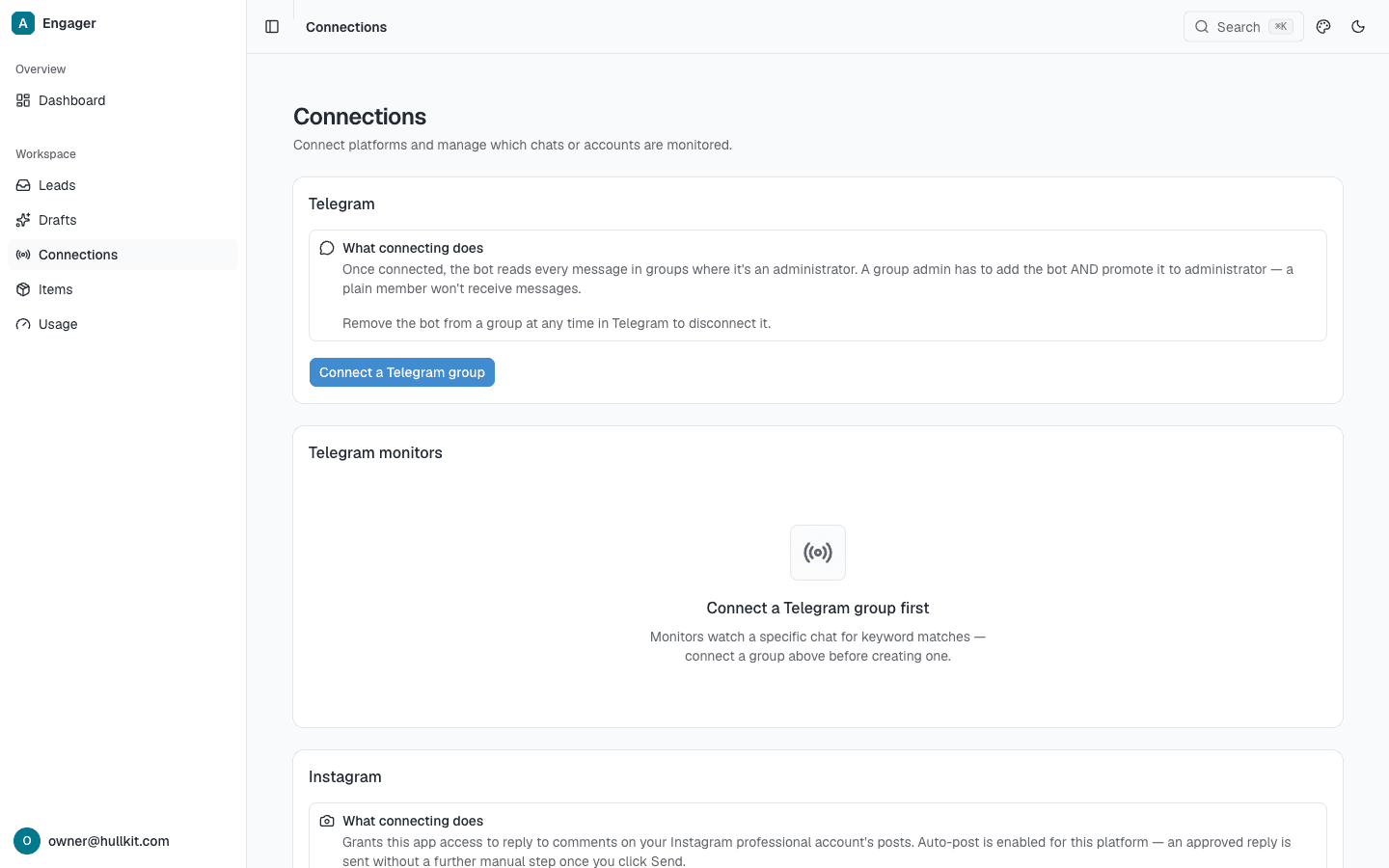
    The Connections screen listing linked social and messaging accounts
  2. Step 2
    Monitor

    Set up a keyword or topic watch on a connected account — a product name, a competitor mention, a support phrase, whatever tells you someone needs a reply. Hullkit checks every new DM, comment, and mention against it automatically, so you're not the one refreshing the app.

  3. Step 3
    Draft

    When a monitor catches something worth answering, Hullkit writes an AI-assisted reply and queues it for you. It never sends on its own at this stage — the draft just waits until a person reads it and decides.
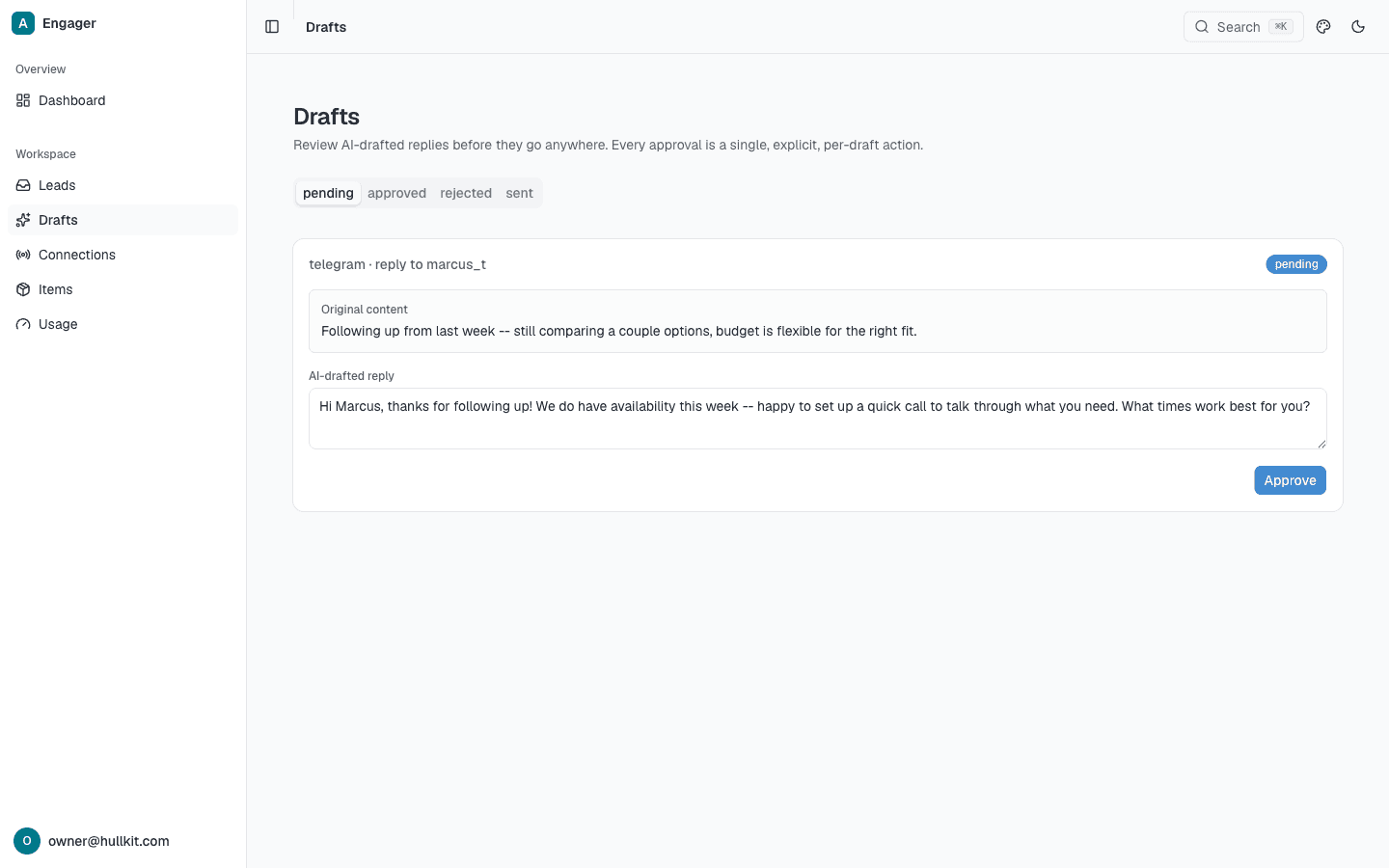
    A drafted reply waiting for approval before it can send
  4. Step 4
    Shadow mode

    Shadow mode: watch Hullkit's automation prove itself before it ever sends on your behalf.

    Before any rule is allowed to send automatically, it runs as a dry run — logging exactly what it would have sent without actually sending it. That gives you a chance to read through its calls and confirm it's getting them right before anything goes out under your name.

  5. Step 5
    Activate

    Once you've reviewed enough of shadow mode's output to trust it, you flip that rule to active. From then on it replies on its own — but only because you watched it prove itself first, not because you took it on faith.